
Which Obsidian System Works Best for a Thesis?
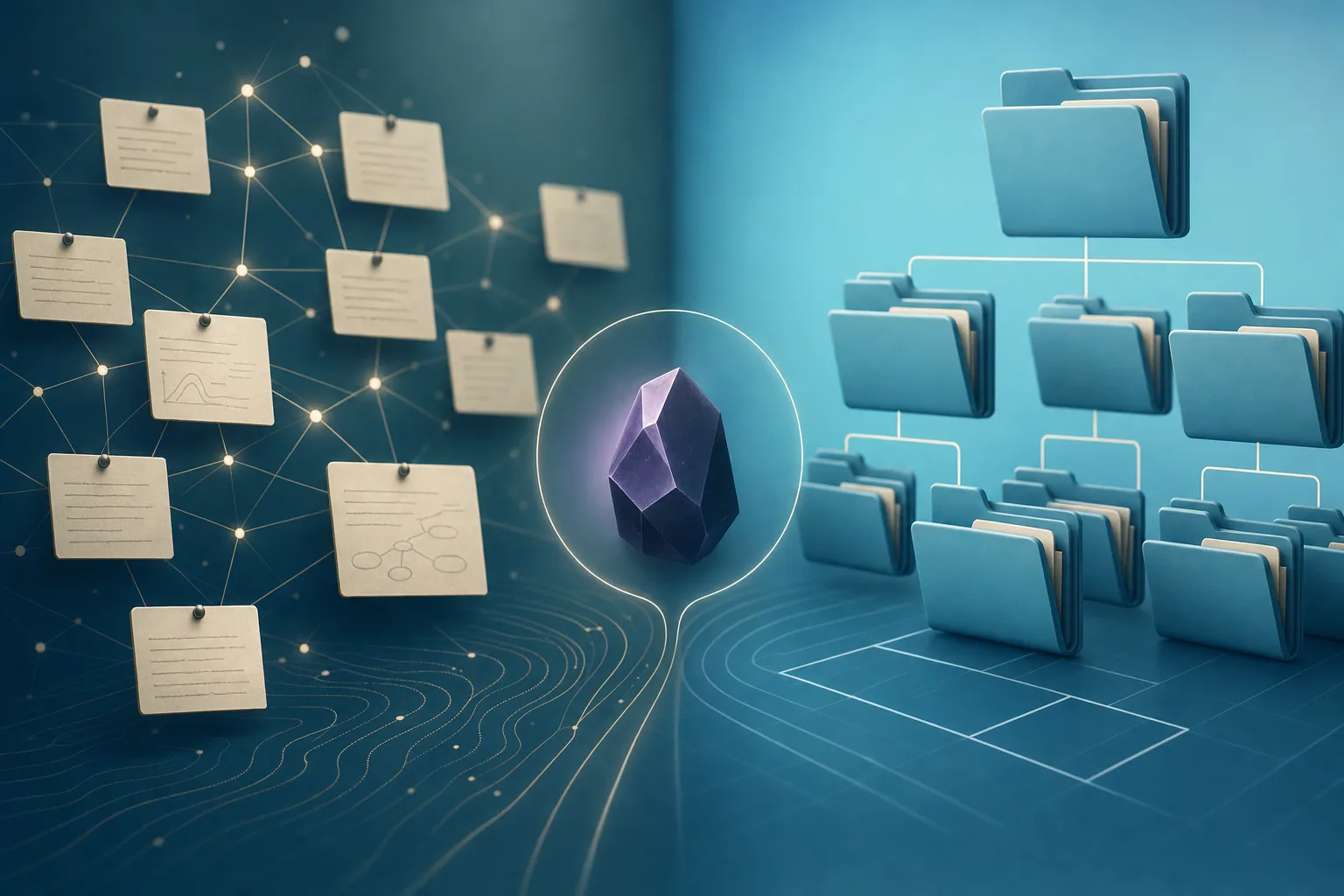
Short answer: Use folders if you think chapter-by-chapter and need clean exports for your advisor. Use Zettelkasten if your thesis depends on connecting ideas across many sources. Most grad students do best with a hybrid: folders for chapters, drafts and data, plus atomic linked notes and a Map of Content for the literature review.
| Folders | Zettelkasten | Hybrid | |
|---|---|---|---|
| Setup effort | Low—mirror your chapter outline | Medium—learn linking and note granularity | Medium—folders plus linking habits |
| Finding notes | Browse by chapter or folder | Search, tags, and MOCs | Folders for drafts; MOCs and search for ideas |
| Spotting connections | Easy to miss cross-chapter links | Built into linked atomic notes | Links and MOCs surface patterns across folders |
| Exporting chapters | Straightforward—notes live in chapter folders | Harder—you assemble from the graph | Drafts stay in folders; literature pulls from linked notes |
| Best for | Linear, chapter-first writers | Synthesis-heavy literature reviews | Most thesis workflows |
When you’re deep into graduate research, information piles up fast: journal articles, data dumps, meeting notes, and evolving drafts. In Obsidian, your organization system is the backbone that either helps you find connections or leaves you hunting for lost notes. Two common approaches for thesis work are the folder-based system and the Zettelkasten method—German for “slip box,” Niklas Luhmann’s approach to linked notes. Understanding the strengths (and pitfalls) of each can help you build a workflow you’ll actually stick with. For a broader comparison of networked notes versus project folders, see our Zettelkasten vs PARA in Obsidian guide.
Folder-Based Organization: Familiar, Visual, and Direct
Folders in Obsidian mirror the traditional way we organize files on our computers. This approach is reassuringly concrete: you know where everything “lives.” For a thesis vault, you might set up something like:
01_Literature_Review02_Methodology03_Results04_DiscussionDraftsInbox
Why it works:
- Easy navigation: You can jump straight to a folder and see all relevant notes or documents.
- Clear project phases: Folders reinforce your thesis structure, making it simple to focus on one chapter at a time.
- Straightforward exporting: Need to send your advisor a draft? It’s easy to locate and export specific sections.
Where it falls short:
- Siloed knowledge: Notes can get trapped in their folders, making cross-topic connections harder to spot.
- Navigation drag: As your vault grows, it’s easy to bury ideas in deep folder trees.
- Duplication risk: The same insight might end up in several places, leading to version confusion.
Make folders work for you:
- Prefix folders with numbers for order (e.g.,
01_,02_). - Keep an
Inboxfolder for quick note capture—don’t interrupt your writing flow to file things perfectly. See taming your Obsidian inbox for a repeatable weekly rhythm. - Use tags (like
#research-theme) alongside folders to surface connections across your vault. - Archive old notes in a
00_Archiveto keep your working folders uncluttered.
Zettelkasten: Building a Web of Atomic, Connected Notes
The Zettelkasten method is all about writing notes that focus on a single idea and linking them together. In Obsidian, this translates to:
- Breaking down readings into atomic notes (one per concept, argument, or finding).
- Connecting notes liberally using
[[wikilinks]]and #tags (Obsidian’s guide to internal links covers the syntax). - Organizing less by folders and more by relationships.
Why it works:
- Reveals hidden connections: Linking notes means you’ll spot patterns and ideas across disciplines or sources.
- Flexible, future-proof: As your research evolves, the network of notes adapts without restructuring folders.
- Supports synthesis: When writing your literature review or discussion, you can pull together linked insights from across your vault.
Where it gets tricky:
- Overwhelm risk: If you’re not diligent about processing notes, your vault can get messy fast.
- Requires new habits: You need to embrace atomic notes and regular linking, which may feel unnatural at first.
- Finding things: Without a clear structure, you might rely more on search or Maps of Content (MOCs).
Zettelkasten best practices in Obsidian:
- Always start with an
Inboxfor fleeting ideas and references—process it on a schedule so it stays manageable. - Turn each key point from readings into its own note—e.g.,
Social_Comparison_Theory.md,Instagram_Study_2022.md. - Link related notes as you process them. If you read a new paper that references an old theory, connect those notes.
- Use tags like
#theory,#study-finding, or#needs-followupfor easy filtering. - Build MOCs (Map of Content notes) to help navigate clusters of related ideas.
Maria’s Challenge: Connecting Ideas Across Her Thesis Vault
Consider a composite example: Maria, a sociology grad student, began her research on social media and mental health with a tidy folder structure:
LiteratureDataDraftsMeeting_Notes
But as her reading list grew, she kept copying snippets between folders and struggled to reference the same theory across different studies. The result? Duplicate notes, lost threads, and stress during literature review writing.
She switched to a Zettelkasten-inspired approach:
- Captured every new idea in an
Inbox. - Broke down readings into single-concept notes:
Social_Comparison_Theory.md,Anxiety_Scales_Overview.md,Facebook_Study_2022.md. - Used
[[wikilinks]]to connect related ideas—linking studies that cited the same theory or used comparable methods. - Tagged notes for easy filtering (
#theory,#2022-study,#open-question). - Created a
Literature_Review_MOC.mdas a launchpad, linking out to all her synthesized insights.
Maria also leveraged Note Companion’s Organizer suggestions during her weekly inbox review. The tool recommended tags and folders for new notes, cutting down manual sorting and helping her stay focused on writing.
Where AI and Note Companion Can Accelerate Your Workflow
AI in Obsidian isn’t about replacing your brain—it’s about reducing friction.
- Folder-based vaults: Note Companion’s Organizer suggestions ensure folders and note titles stay consistent, reducing chaos as drafts multiply.
- Zettelkasten vaults: AI can propose relevant tags, spot potential links, and surface related notes you might overlook—helping grow your web of ideas.
- Vault chat: When you hit a research wall, use Note Companion’s chat to ask, “What are the main findings on anxiety in my notes?” or “Which studies reference Social_Comparison_Theory?”
- YouTube to notes: If your research involves conference talks or lectures, Note Companion can turn a YouTube talk’s captions into a structured note (captions required)—see YouTube to Obsidian notes for the full workflow.
A Step-by-Step Guide to Setting Up Your Thesis Research Vault
- Decide your style: Are you a structure-first thinker (folders) or connection-seeker (Zettelkasten)?
- Create your vault skeleton:
- Folder system: Set up main folders for thesis sections, plus an
InboxandArchive. - Zettelkasten: Start with an
Inboxand create atomic notes as you process.
- Folder system: Set up main folders for thesis sections, plus an
- Set up capture workflows: Use Obsidian’s Daily Notes or a quick-capture template to ensure no idea slips through.
- Process regularly:
- Folders: Move notes from
Inboxinto the right project folders weekly. - Zettelkasten: Break inbox notes into atomic notes, adding links and tags as you go.
- Folders: Move notes from
- Connect with tags and links: Regardless of approach, maintain consistent tags for themes, statuses, or deadlines.
- Review and tidy: Schedule a weekly “vault review” session—using Note Companion’s Organizer to catch messy tags or misplaced notes.
- Build navigation aids: Construct a Map of Content or index note for your current thesis chapter or literature review focus.
Checklist: Thesis Organization in Obsidian
- Decide on your core system: folder-based, Zettelkasten, or hybrid
- Create an
Inboxfor fast note capture - Define a note naming convention that works for you
- Set up tags for research themes, sources, and statuses
- Block time weekly to process your
Inbox - Start a Map of Content or index note for navigation
- Use Note Companion’s AI suggestions for tags, folders, and links
- Prune and archive outdated notes regularly
Hybrid Approach: Folders + Zettelkasten for Your Thesis
You don’t have to pick sides. Many successful thesis vaults blend the clarity of folders with the insight-generating power of Zettelkasten:
- Use folders for broad content types (
Drafts,Data,References). - Within each folder, write atomic, interlinked notes to capture your thinking and connect ideas.
- Rely on tags and MOCs to tie everything together.
As your research evolves, you might start with folders for structure, then gradually introduce more Zettelkasten-style connections. The real magic comes from regular review and intentional linking—whether you prefer clear boundaries or a flexible network.
Obsidian gives you the tools, and AI helpers like Note Companion can nudge you toward better habits. Ultimately, the best system is the one that helps you synthesize, not just store, your research.
Try Note Companion’s Organizer on your thesis inbox this week—let it suggest folders, tags, and titles while you focus on writing.