
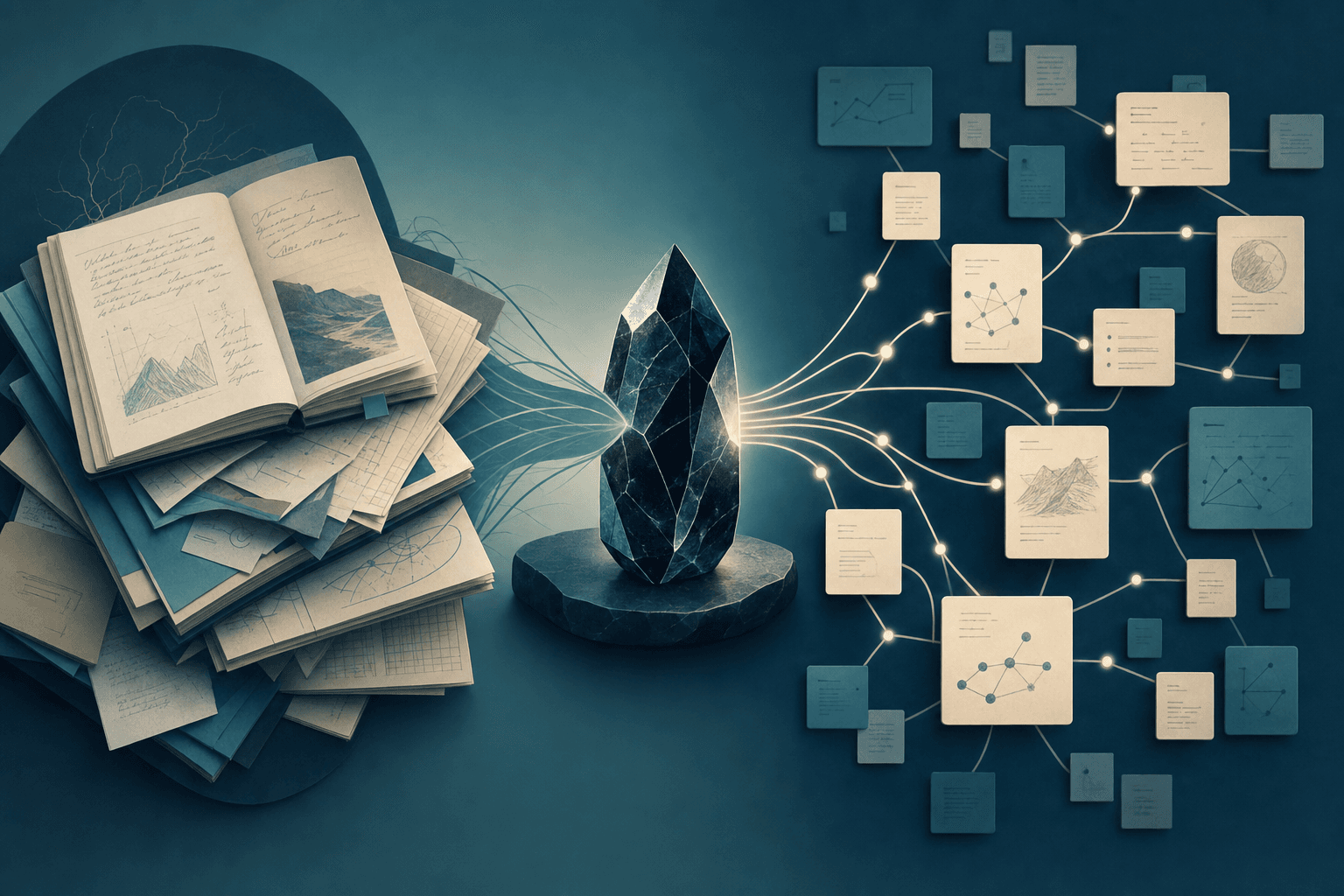
Atomic or Whole Notes? Finding the Perfect Granularity for Your Obsidian Vault
Why Granularity Shapes Your Obsidian Experience
One of the biggest challenges in personal knowledge management isn’t capturing information—it's deciding how much to put in each note. Should you break everything down into tiny, focused "atomic" notes, or keep related ideas bundled together in comprehensive documents?
This decision—your note granularity—directly affects how easily you can retrieve, connect, and build on your knowledge in Obsidian. There’s no one-size-fits-all answer, but your workflow, the scale of your vault, and the kind of projects you tackle can point you toward the best approach.
Let’s dig into two popular strategies, see where each shines, and walk through a practical method to find your sweet spot.
The Atomic Note Workflow: Building a Web of Ideas
What Are Atomic Notes?
Atomic notes are the smallest units of meaning in your knowledge base—each one captures a single fact, concept, or claim. Think of them as individual Lego bricks rather than finished models.
Example: Instead of summarizing an entire journal article in one note, you create:
notes/attentional-bias.md(definition and key findings)notes/working-memory-limitations.md(summary of a core theory)notes/research-methods-stroop-task.md(description of methodology)
Why Atomic Notes Work
- Maximum linking: Every note is a clear target for backlinks and connections.
- Easy remixing: Atomic notes can be referenced and reused in different contexts—literature reviews, essays, projects.
- Sharper thinking: Writing in small units clarifies ideas and exposes knowledge gaps.
How to Make Atomic Notes in Obsidian
- Quick capture: Drop fleeting thoughts or highlights into
inbox/without worrying about structure. - Split during processing: When you review your inbox, break complex notes into atomic ones—one per idea.
- Descriptive titles: Name each note clearly ("Attentional Bias in Decision-Making" instead of "Notes from Paper 5").
- Link actively: Use wikilinks (
[[...]]) to connect atomic notes as you discover relationships. - Minimal tags: Reserve tags for broad categories (e.g.,
#cognition,#theory), letting links handle the fine detail.
A Real-World Scenario: Sarah the Researcher
Sarah, a cognitive science grad student, reads several papers a week. She captures highlights in her inbox/reading-dump.md. During her weekly review, she splits these into atomic notes like notes/attentional-bias.md and notes/working-memory-limitations.md, linking them to related theories and experiments.
When Note Companion scans her inbox, it suggests which notes can be split and recommends tags, helping Sarah maintain a clean, interconnected vault—without drowning in manual organization.
When Atomic Notes Are Best
- You’re synthesizing complex, interconnected ideas (research, academic writing, thematic projects).
- You want a robust web of links for idea serendipity.
- Your vault is large and needs granular searchability.
The Whole Note Workflow: Keeping Context Together
What Are Whole Notes?
Whole notes are comprehensive documents that keep multiple related ideas, records, or processes bundled together. They suit workflows where context and continuity matter more than granular linking.
Example: Instead of dozens of tiny notes, you maintain:
projects/marketing-campaign.md(plan, meeting notes, research, and decisions)reference/novel-outline.md(outline, character sketches, research, and scenes)
Why Whole Notes Work
- Preserved context: All relevant ideas are in one spot—no need to jump between files.
- Simplicity: Fewer files, less overhead in linking and organizing.
- Great for narrative: Ideal for storytelling, project logs, or evolving documents.
How to Use Whole Notes in Obsidian
- Organize by theme: Use folders like
projects/orjournals/to store whole notes. - Structure with headings: Break the document into sections using Markdown headings (
## Meeting Notes,## Action Items). - Selective links: Only link to other notes for critical context or references.
- Tag for broad themes: Use tags to flag project status or major topics.
- Review for bloat: If a note grows unwieldy, consider splitting—but only as needed.
A Real-World Scenario: Mark the Writer
Mark, a freelance writer, keeps his novel outline, character notes, and research in a single file: projects/novel-outline.md. All the context he needs is at his fingertips.
When Note Companion reviews his vault, it prompts him to rename files for clarity or suggests moving a bulky note into a more relevant folder, helping Mark stay organized without fragmenting his creative process.
When Whole Notes Are Best
- Your work is narrative, project-based, or journal-driven.
- You value context and hate jumping between lots of files.
- Your vault is moderate in size but each note is rich and detailed.
A Practical Hybrid: Mixing Atomic and Whole Notes
The reality? Most Obsidian users benefit from a hybrid approach. Here’s a workflow to help you decide, note by note:
The Split-or-Keep Workflow
- Capture Everything: Throw all incoming info—quotes, ideas, meeting minutes—into
inbox/. - Process Weekly: Set aside time to process your inbox, using this checklist:
- Does the note contain multiple unrelated ideas? Split it into atomic notes.
- Is the note a cohesive record (project log, meeting minutes)? Keep it whole.
- Is the note getting too long to scan easily? Consider splitting.
- Would splitting make future linking or reuse easier? Split.
- Does keeping it whole preserve valuable context? Keep whole.
- Organize Thoughtfully:
- Use folders like
research/,projects/,reference/. - Tag atomic notes by topic for retrieval; tag whole notes by project or status.
- Use folders like
- Link with Purpose:
- Aggressively link atomic notes to build your knowledge graph.
- In whole notes, link only when essential to preserve the narrative flow.
- Review Regularly: Each week or month, revisit long notes or confusing links. Merge, split, or retitle as necessary.
Checklist: Refine Your Granularity Decision
- Does the note cover more than one topic or idea? Split it.
- Is it a cohesive, ongoing record or story? Keep it whole.
- Are you struggling to find or link to specific concepts? Try splitting.
- Is context lost if you break it up? Keep it together.
- Is your vault getting cluttered with too many or too few notes? Adjust accordingly.
How Note Companion Supports Your Workflow
Note Companion is especially helpful during inbox processing and periodic reviews. Its Organizer feature can:
- Suggest which notes to split or keep whole based on content complexity.
- Recommend folder moves and tag improvements to tidy your vault.
By blending human judgment with these AI nudges, you maintain both clarity and flexibility, letting the right granularity emerge from your real work habits.
Final Thoughts
There’s no universal rule for note size in Obsidian. The best workflow adapts to your needs and evolves as your vault grows. Start simple: capture freely, review regularly, and don’t be afraid to experiment with splitting or merging notes.
The more intentional you are with granularity, the more powerful—and enjoyable—your vault becomes. Use Obsidian’s unique strengths: links, tags, and folders, and don’t hesitate to let tools like Note Companion lighten your organizational load.
Your second brain is only as useful as it is usable. With the right note size for the task, you’ll find what you need, make new connections, and keep your knowledge ecosystem thriving.